Your plan says 500 megabits; the speed test next to the modem agrees, but the study gets a fraction of that. When the drop happens between the modem and the wall socket, it’s usually the cable in the wall, not your provider.
If the speed test is fine next to the modem but poor at the wall socket, the speed is being lost inside the house, not by your provider. The usual causes are old phone-grade cable doing a data cable’s job, a tired Cat5 run, a poor connection at the wall plate, or a cable damaged in a renovation. A connection that tops out at around 90 to 95 megabits is a classic sign: the link has dropped to 100 megabit mode because part of the cable isn’t working. Testing the run, then re-terminating it or replacing it with Cat6, fixes it, and that’s what data cabling is for.
How to Tell if It’s the Cabling or the Internet Plan
One February enquiry put it perfectly: “NBN 500/50 at the modem but only 50/19 at the workstation.” Same plan, same modem, a tenth of the speed. You can run the same comparison in five minutes:
- Plug a laptop straight into the modem with a short network cable and run a speed test. Write it down.
- Take the same laptop and the same cable to the wall socket at your desk and test again.
- In the laptop’s network settings, check the link speed it reports: 1 Gbps or 100 Mbps.
- Turn off the laptop’s Wi-Fi for both tests, so you know you’re measuring the cable.
If your speeds are only poor on Wi-Fi in the far rooms, that’s a coverage problem rather than a cabling fault; more on that below.
Common Cabling Causes in Older Homes
Old Phone Cable Doing a Data Cable’s Job
Plenty of Newcastle homes have “internet” sockets that are really old phone points with a network jack on the front. Behind the plate is two-pair phone cable that was never designed for a network. It may connect at all, but it can’t carry gigabit speeds, and it’s prone to errors that slow everything down. No setting on the modem will fix it; it needs a proper data cable.
Cat5 Runs and Poor Terminations
A gigabit connection needs all four pairs of wires in the cable working. If one pair is broken, or the wires were punched down in the wrong order at the wall plate, the connection quietly falls back to 100 megabit mode. That’s why a 500 megabit plan can test at 94 in the study. Older Cat5 runs installed decades ago, cable stretched too tight around corners, or a run that was spliced in the ceiling all cause the same thing.
Damaged or Painted-Over Wall Plates
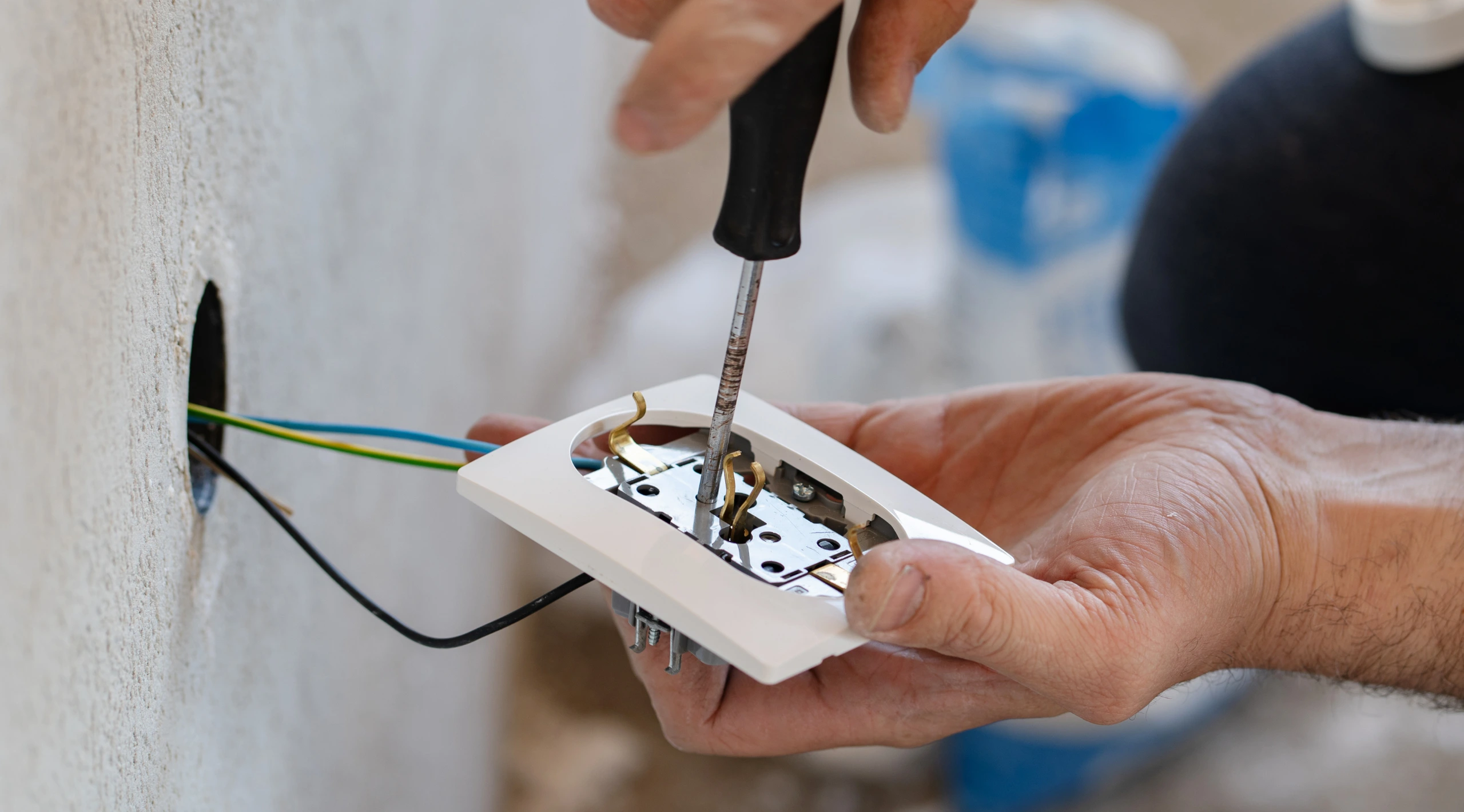
Wall sockets get knocked, painted over, pulled off during renovations, and pushed back in. Paint in the jack, a cracked module, or a cable crushed behind the plate are all common. So is a cable nicked by a screw when shelves or a TV bracket went up, or chewed by rats in the roof space.
Wi-Fi vs Cabled: When a Mesh System Is Enough
Not every slow room needs a cable. If the problem is phones and laptops dropping out at the back of the house, a good mesh Wi-Fi system often fixes it. Checking the modem’s Wi-Fi channel and moving it out of a cupboard can help too, but that’s about as far as router settings go.
For anything that stays in one place, like a work desk, a games console or the TV, a cable still wins: full speed, lower lag and no dropouts when someone else starts streaming. The best of both is mesh units linked to each other by cable rather than by wireless.
What a Cabling Upgrade Involves
Fixing slow speeds at the wall usually means one of three things, depending on what testing finds:
- Re-terminating the existing cable at the wall plate and at the modem end, if the cable itself is sound.
- Replacing the run with Cat6 cable from the modem or data cabinet to the wall socket, fed through the ceiling and down the wall cavity.
- New wall plates and sockets where the old ones are damaged, painted, or phone-only.
Every run is then tested end to end with a cable tester, so you know it carries full speed before the job is signed off, and each socket is labelled to match the other end.
“Getting slow speeds at the wall?” Data cabling · Newcastle, Lake Macquarie and Maitland. Book a cabling check. I’ll test the run, find where the speed is going, and fix it.
Who Is Allowed to Do Data Cabling
Data cabling that connects to the telecommunications network, including network sockets, phone points and cabling from the NBN modem to other rooms, falls under ACMA’s rules. Under the Telecommunications (Cabling Provider) Rules 2025, anyone doing that work must be a registered cabler, or be directly supervised by one. ACMA can fine or prosecute people who do it unregistered.
To check a cabler, ask to see their registration card and confirm it with the registrar named on it; ACMA explains how on its find a registered cabler page. At the end of the job, a registered cabler signs a TCA1 form telling you what was done and confirming it meets the standards. Keep it with your house papers. Equipment owned by NBN or a carrier, outside or inside the house, is theirs to move or repair.
“What Not to Do”
- Don’t run your own cable through the walls and terminate it to the network yourself.
- Don’t staple network cable along skirting boards or run it alongside power cables in the same hole.
- Don’t assume a powerline adapter or Wi-Fi extender will give you full speed at a desk.
- Don’t pay for a faster plan until you’ve tested the speed at the modem.
Working From Home: What to Cable First
If the budget doesn’t stretch to the whole house, cable in this order:
- Your work desk, with two sockets: one for the computer and one for a dock, printer or phone.
- The modem’s position, if it’s stuck at one end of the house. It may make sense to run a cable from the NBN box to a central spot first; see this guide to moving the NBN connection box.
- A ceiling access point for the half of the house the modem’s Wi-Fi doesn’t reach.
- The TV and games console, which use the most data and suffer most from dropouts.
Doing several points in one visit costs less per point than doing them one at a time, and spare runs left in the ceiling now make later changes simple.
“Data and NBN cabling across Newcastle” Data and NBN cabling · Power points on the same visit · Newcastle, Lake Macquarie and Maitland. Slow wall sockets tested and fixed, new Cat6 runs to the desk, TV and access points, and every cable labelled and tested. Power points can go in on the same visit.
Frequently Asked Questions
Why is my internet slow through the wall socket but fine at the modem?
Because the speed is being lost in the cabling between the two. An old phone cable, a damaged or badly terminated run, or a socket that was never wired for data are the usual causes.
Why is my ethernet connection stuck at 100 Mbps?
A gigabit link needs all four pairs in the cable working. If one pair is broken or wired wrongly, the connection falls back to 100 megabit mode, which tests at around 90 to 95. Re-terminating or replacing the run usually fixes it.
Is Cat5e good enough for home internet?
A properly installed Cat5e run carries gigabit speeds, which is faster than most home NBN plans. The problem is usually old or damaged cable, poor terminations, or phone cable, not Cat5e itself. New runs are normally Cat6.
Can I run my own data cable in the walls?
Not if it connects to the telecommunications network. That work must be done by a registered cabler, or under one’s direct supervision. Plugging in your own patch leads between devices and sockets is fine.
Will a powerline adapter fix slow internet at my desk?
Sometimes it helps, but powerline adapters send data through the power wiring, so speeds vary with the house wiring and what else is running. For a work desk, a proper data cable is far more reliable.
Test First, Then Fix the Cable
If the modem gets full speed and the desk doesn’t, the fix is in the wall, not in a bigger plan. Run the five-minute test, then have the run checked by a registered cabler. To book a cabling check in Newcastle, Lake Macquarie or Maitland, call 0450 406 450.